ERQIVA GUIDES
Using a VPN while travelling
Prepare your access before departure, then keep good habits at hotels, airports and on mobile networks. A simple method for staying connected on the move.

Travelling means frequent network changes: home, station, hotel, café, mobile data. Preparing your VPN before departure makes it easier to use once you arrive. It still depends on an available Internet connection and the rules applicable at your destination.
Before departure: perform a complete test
Do not wait until you face an airport Wi-Fi portal to discover the application. A few minutes at home can prevent the main setbacks.
- Install the compatible application from the source indicated by Erqiva. Our computer and mobile installation guide details the steps for your device.
- Check that your VPN access is active and its validity period covers your stay.
- Connect for the first time, open a website and test disconnecting.
- Update the application and operating system before leaving.
- Make sure you can retrieve your access information securely, for example in a password manager.
Also consider access to your email and two-factor authentication. If a login requires an SMS, check that your number will remain accessible at your destination. Keep any recovery codes in a safe place, separate from shared travel documents.
Choose a duration that really covers your stay
A weekend, several weeks of holiday and recurring trips do not represent the same need. Include your departure day, return day and any possible extension.
The guide to choosing your VPN duration helps you compare Erqiva plans. Before ordering, reread the displayed offer’s terms: an access duration and automatic renewal are two different things. For access already purchased, check its end date in your customer area.
Avoid discovering an expiry midway through your stay: set a reminder if your trip approaches that deadline.
At a hotel, airport or café
Once there, start by confirming the Wi-Fi name with the establishment. Then complete the network’s access portal if necessary. You can then open the VPN application and wait for connected status.
For everyday use, a server near your location can reduce the detour travelled by data. The best choice also depends on network quality and the availability of servers offered in the application.
Before sending a document or signing in to an account, check that browsing works. If the Wi-Fi is overloaded, a VPN cannot add capacity: another Internet connection may be more useful than repeatedly changing servers.
On mobile networks: check reconnection
When leaving the hotel, your phone may switch from Wi-Fi to 4G or 5G. The application may reconnect automatically, but it is best to check its status after the transition, especially if a task was interrupted.
A VPN does not include an Internet plan or remove roaming charges. Traffic still passes through your mobile operator; running the tunnel may also add a little data usage. Check your plan’s terms before watching a lot of video or using tethering.
You will find a checking method in our guide Checking that your VPN works properly.
Accessing your usual services abroad
Changing the visible IP address can help in some cases where a service varies by connection country. However, this does not guarantee access to any particular catalogue, content or price.
Platforms may consider the account’s country, payment method, device location or their own restrictions. They may also detect or restrict VPN connections. Consult their terms and, where offered and permitted, download your content for offline use before departure.
Check your destination’s rules
Rules on VPN use differ by country and may change. Consult your destination’s page on France Diplomatie, then the official local information relevant to your situation.
Also respect the rules of the network you use. For work, personal VPN access does not replace your employer’s VPN or instructions.
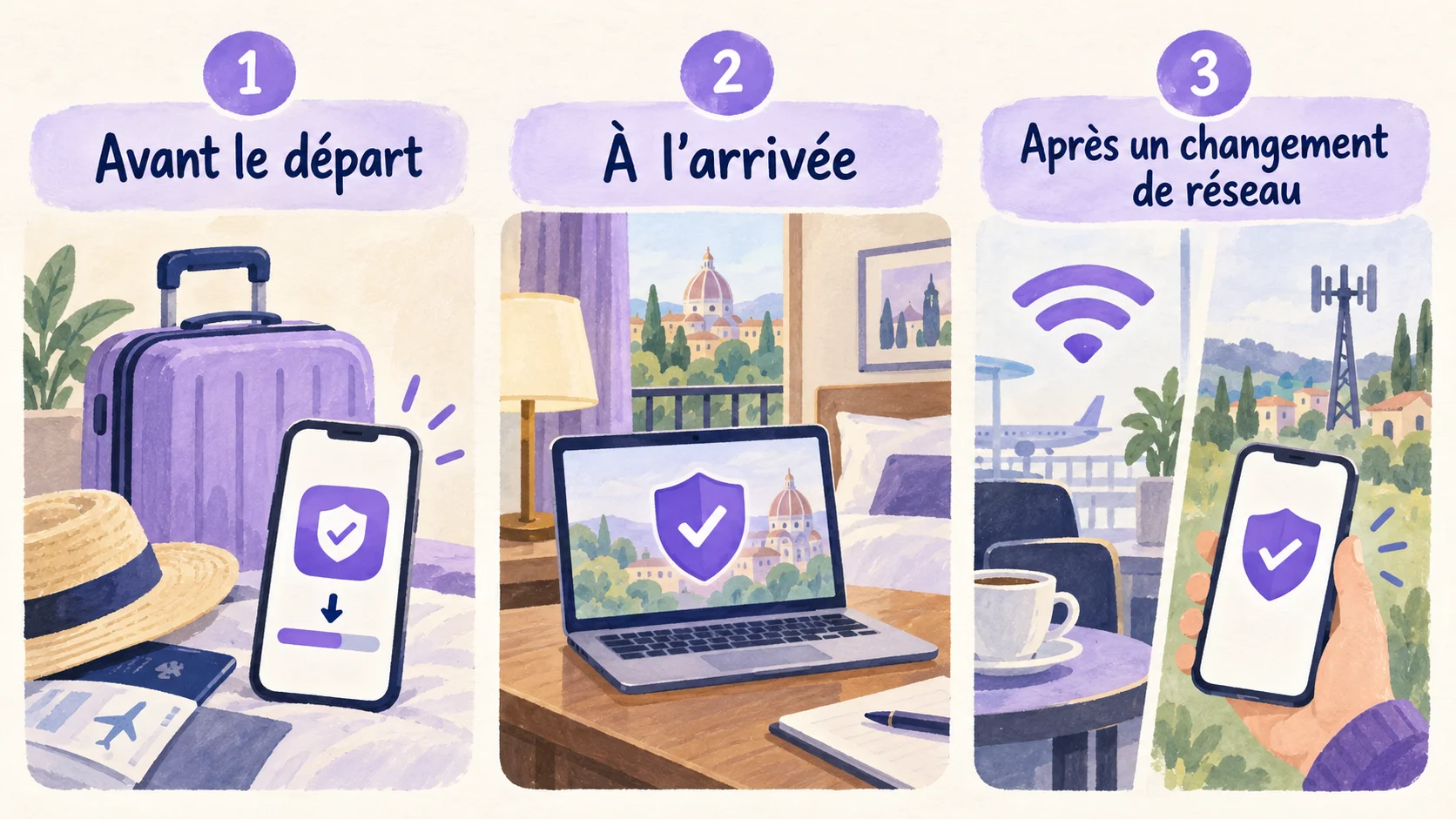
Before closing your suitcase, remember: a tested application, access valid throughout your stay and a check after each network change. These three habits make using a VPN while travelling much simpler.