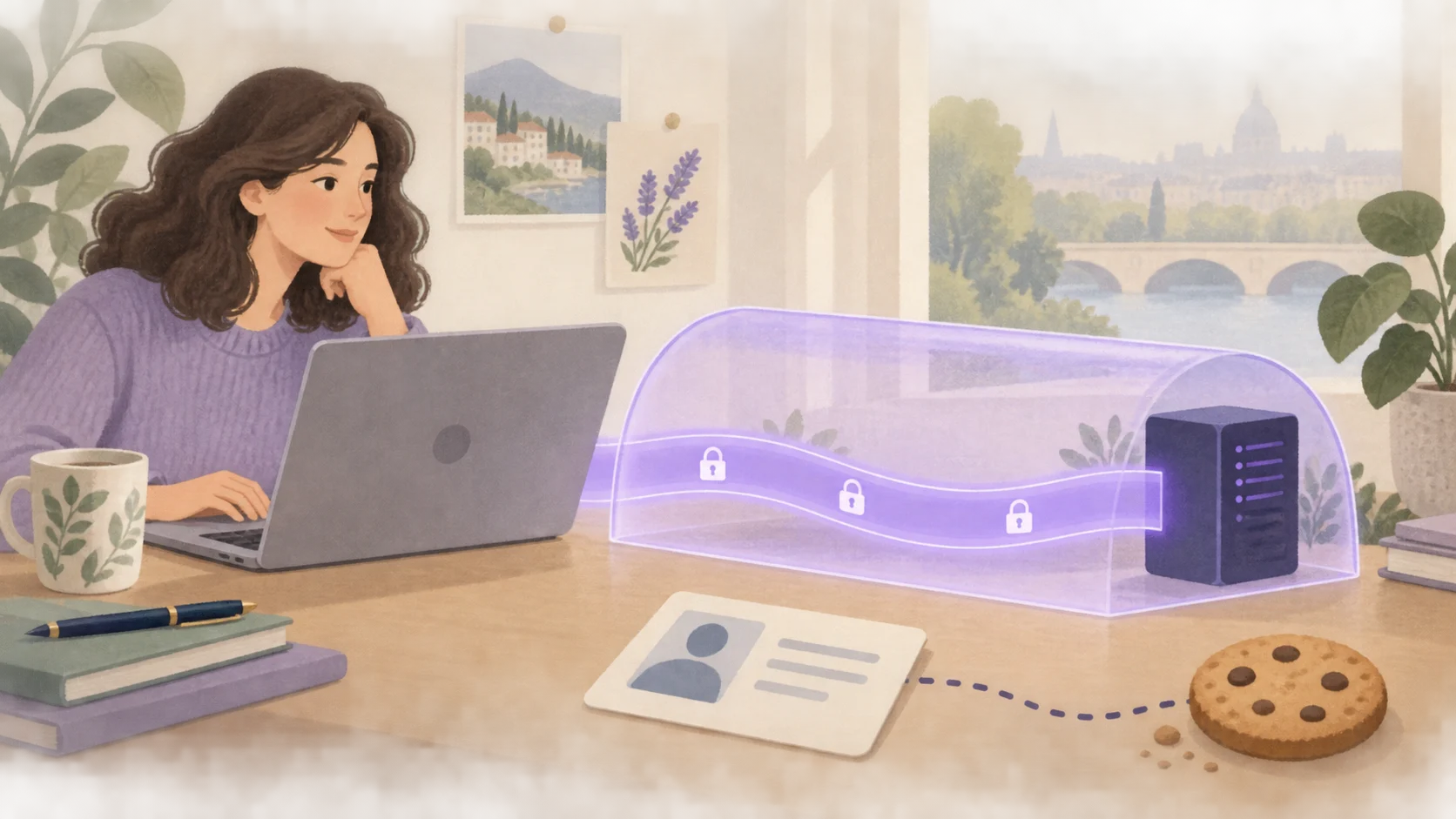
What is a VPN and what is it for?
Find out in simple terms how a VPN works, when it can be useful and what it does not protect. Practical examples and good habits to get started.
Read the guideClear explanations to install, check and use your VPN.
Find out in simple terms how a VPN works, when it can be useful and what it does not protect. Practical examples and good habits to get started.
Read the guideA trip, a few months or everyday use? Compare durations, prices and renewal options to choose a VPN at your own pace.
Read the guideInstall VPNClient on your computer, smartphone or tablet, then connect your Erqiva access. Choose your device and follow the illustrated steps.
Read the guideYour VPN says it is connected, but how can you be sure? Three simple checks help verify that it works and spot common problems.
Read the guideAt a café, hotel or airport, a VPN adds useful protection to your connection. Here are good habits for using a network you do not control.
Read the guidePrepare your access before departure, then keep good habits at hotels, airports and on mobile networks. A simple method for staying connected on the move.
Read the guideA slow connection is not always caused by the VPN. Compare your network, server and application in the right order to find what is limiting your usage.
Read the guideRejected credentials, an endlessly connecting application or no Internet access: follow these checks in order before changing your configuration.
Read the guideThese three tools meet different needs. Understand their roles and how to combine them, without believing that one application protects against everything.
Read the guideA VPN provides specific protection for your connection. Discover what it changes for your IP address and what remains visible through your accounts, cookies and activities.
Read the guide