ERQIVA GUIDES
VPN, antivirus and firewall: what are the differences?
These three tools meet different needs. Understand their roles and how to combine them, without believing that one application protects against everything.

Do you have to choose between a VPN, antivirus and a firewall? They perform different functions and can complement each other. The VPN acts on the connection’s route, antivirus looks for threats on the device, while the firewall filters communications according to rules.
Understanding this difference lets you use each tool for what it actually offers, without randomly adding more software.
The three roles at a glance
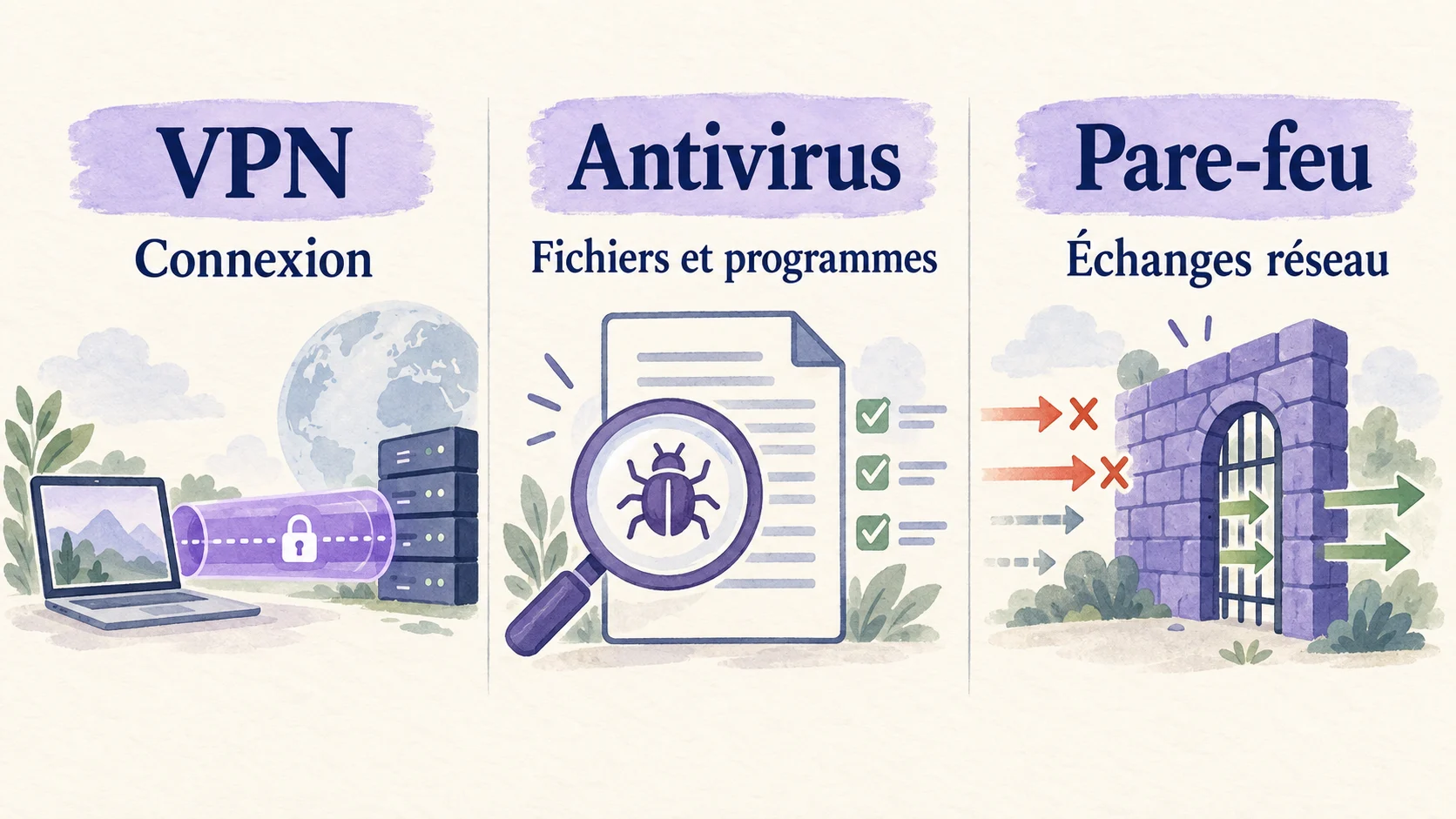
| Tool | Its main role | What it does not replace |
|---|---|---|
| VPN | Encrypt supported traffic between the device and VPN server; change the visible exit IP address | File scanning or vigilance against scams |
| Antivirus | Detect, block or handle malware according to its features | Protection of the network route offered by a VPN |
| Firewall | Allow or block network communications according to rules | Complete file scanning or VPN encryption |
Some suites combine several functions under one brand. This does not make those functions identical, and their presence depends on the product chosen.
The VPN: protecting the connection’s route
When you enable a VPN, supported communications pass through an encrypted tunnel to its server. This limits what the local network operator can observe inside that tunnel. Online services generally see the VPN’s exit IP address rather than your usual connection’s address.
This is particularly useful on an unfamiliar network you do not control. However, if you download a malicious program, the tunnel can carry that download like any other communication: encryption does not turn the file into a safe file.
Your Erqiva access meets this need for a VPN connection. You should not infer that it includes antivirus scanning or every feature offered by other software. To revisit the principle, see What is a VPN and what is it for?.
Antivirus: monitoring threats on the device
Antivirus can examine files, monitor program execution and identify certain suspicious behaviours. Depending on its capabilities and settings, it may prevent execution, quarantine an item or help remove a threat.
It needs updates to remain useful. However, it cannot guarantee that no attack will get through or prevent every human error. Voluntarily entering your password on a fake page remains dangerous, even with antivirus installed.
Required and available protections vary by operating system. Some devices already have built-in protection: check its status before adding a product. Running several real-time antivirus programs in parallel can cause conflicts; follow their publishers’ recommendations.
The firewall: filtering communications
A firewall applies rules to network communications. Depending on its configuration, it can block an unauthorised incoming connection or limit a program’s communications.
On a computer, the network profile can change the rules applied. A public network should not be treated as a trusted private network if doing so makes the device more accessible to other users.
A firewall does not create a VPN tunnel on its own. Nor does it decide that a document is harmless simply because its download was allowed. Its job concerns communications, using the criteria available to it.
How can you combine them simply?
- Keep the operating system and its protections up to date. Check that the antivirus intended for your device and the firewall are active.
- Install applications from trustworthy sources and read permission requests.
- Configure your VPN using the Erqiva guide for computers and mobile devices.
- Enable it when you want your connection to pass through its tunnel, then check that it works.
- Keep unique passwords, two-factor authentication where available and backups of your important data.
If the VPN is blocked, avoid disabling all protections. Find the exact message and have the relevant rule examined with support or the device administrator.
The right combination depends on your device and usage. The goal is complementary protections that are correctly configured and understood.
Further reading: the role of antivirus according to Cybermalveillance.gouv.fr and firewall settings explained by Microsoft.