ERQIVA GUIDES
What a VPN protects, and what it does not
A VPN provides specific protection for your connection. Discover what it changes for your IP address and what remains visible through your accounts, cookies and activities.
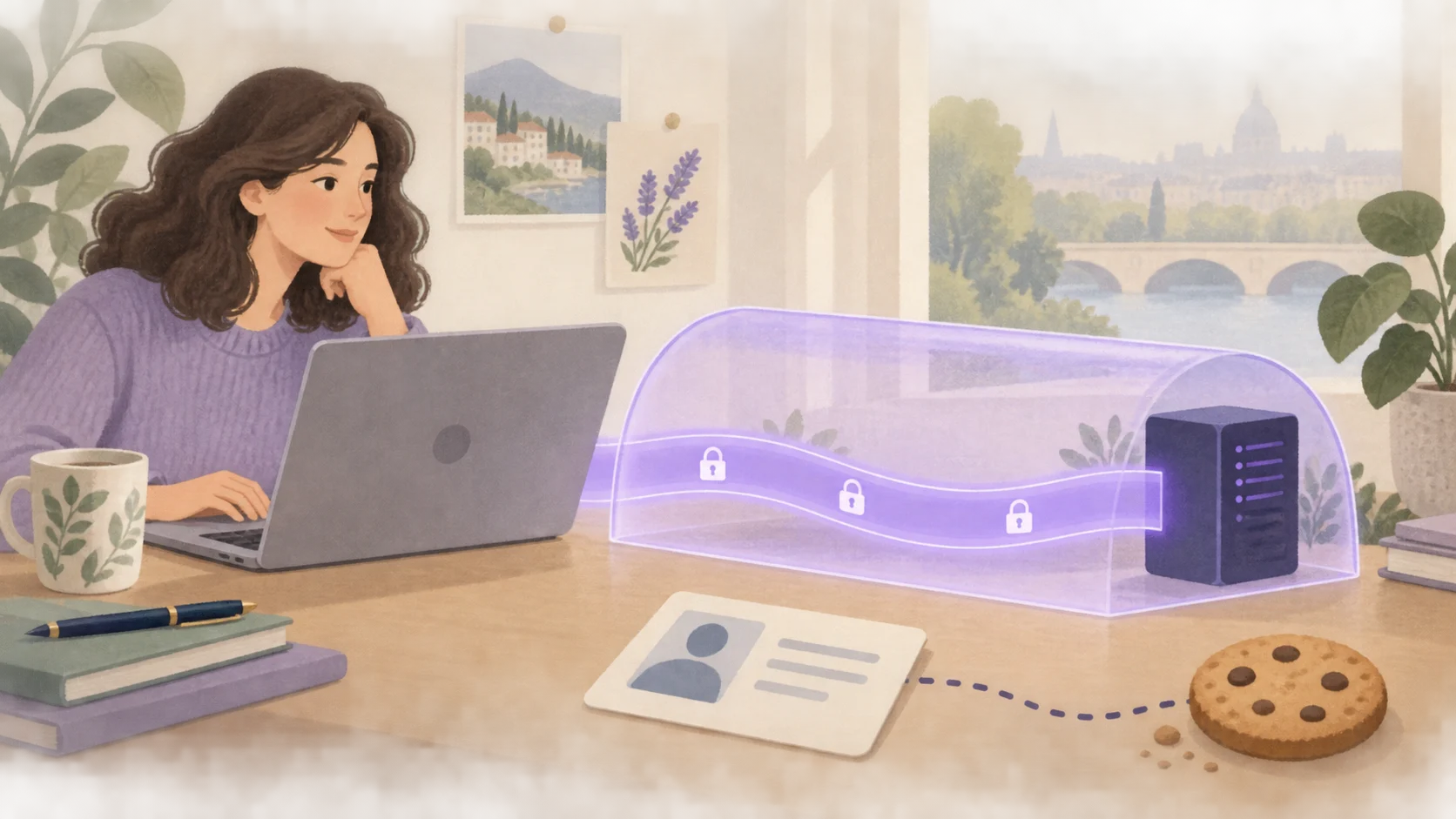
A VPN is useful when you understand what you are asking it to do. It protects the traffic it handles between your device and its server, and generally changes the IP address visible to the services you visit. It does not make all your activity anonymous or, on its own, secure every action you take online.
Here is how to distinguish its real benefits from expectations it cannot meet.
What a VPN really changes
An encrypted tunnel to the VPN server
Traffic routed through the VPN is encrypted on the journey between your device and the VPN server. On this part of the route, the local network operator cannot read the tunnel’s contents or directly see the destinations passing through it.
They can nevertheless detect that your device communicates with a VPN server, as well as the connection’s duration or volume. After the VPN server, protection of the content depends particularly on the encryption used by the website or application: the VPN tunnel does not automatically cover this second part of the journey.
A different visible IP address
For communications passing through the VPN, the remote service generally sees the server’s exit IP address. This avoids directly exposing your usual network’s address to it.
This address remains an IP address, not a certificate of anonymity. For the basics, our guide What is a VPN and what is it for? explains how the tunnel and address change work.
What it does not make disappear
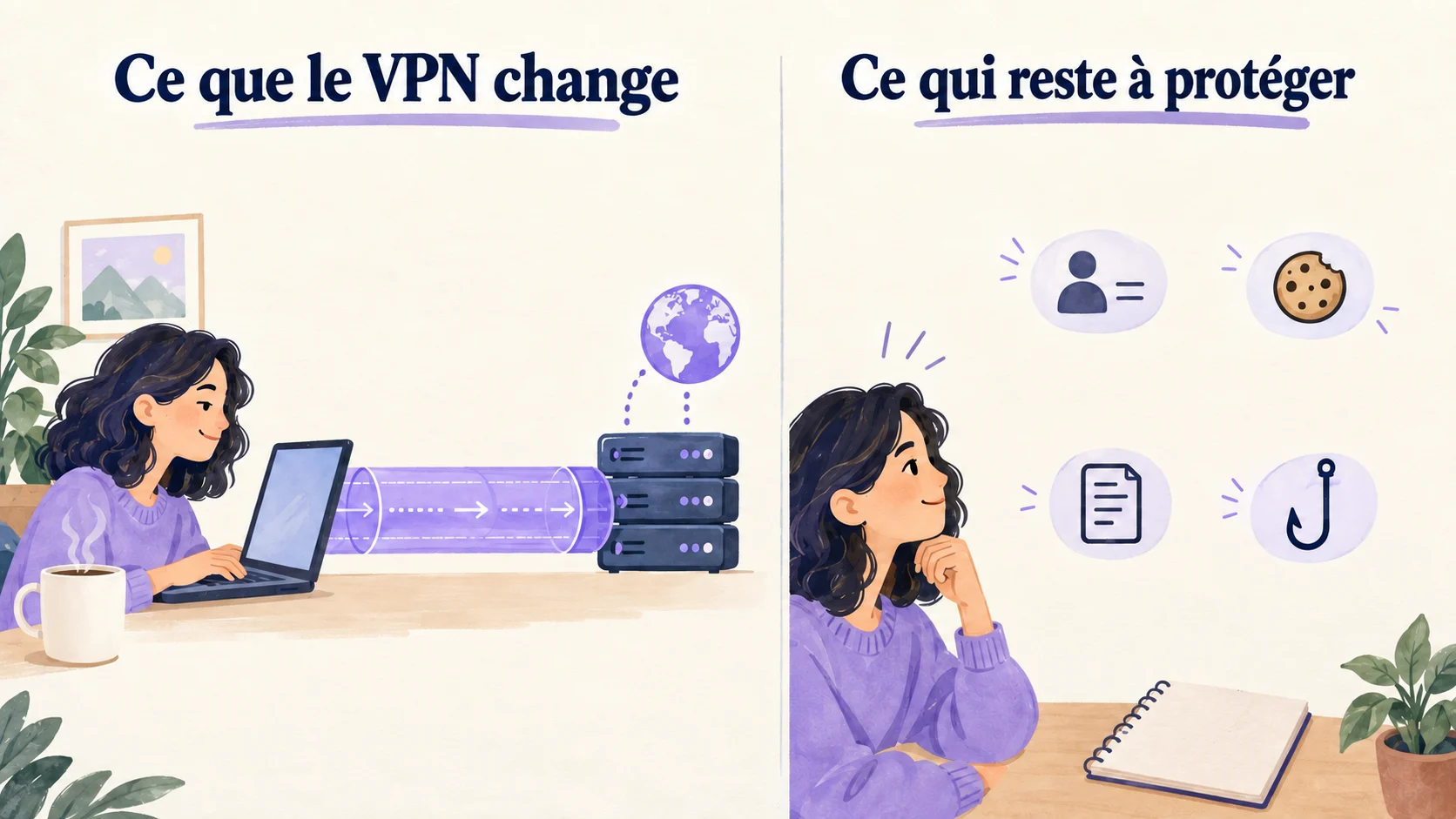
| Situation | What the VPN does not change on its own |
|---|---|
| You sign in to your account | The service knows which account you use |
| A website sets or reads cookies | These items are not automatically deleted by the VPN |
| An application has location permission | The VPN does not replace control over device permissions |
| You enter information on a fake page | The tunnel does not prevent it being given to the fraudster |
| You run a malicious file | The VPN does not replace malware protections |
Websites may also use browser and device characteristics to recognise certain visits. Changing your IP address therefore does not neutralise every advertising tracking technique.
Cookies, accounts and privacy
Imagine enabling the VPN and then opening a social network where you are already signed in. The IP address may change, but the service still recognises your account and the information you give it.
To address these aspects, review the privacy settings of your browser and the services you use: cookies, permissions, history retained by the account and advertising personalisation. The VPN acts on the connection; these settings address other mechanisms.
Private browsing does not guarantee complete anonymity either. It mainly limits certain traces stored locally in the browser after the session, depending on how it works.
Phishing and malware
An urgent message, fake invoice or website imitating a brand can push you into sending a password. The VPN can encrypt the route to its server without knowing that you trust the wrong party.
Before entering sensitive information, check the website’s domain and, if in doubt, open the service from your bookmark or its usual application. Keep the operating system and its protections up to date, and avoid attachments or software of doubtful origin.
Cybermalveillance.gouv.fr’s phishing advice details these complementary habits.
Protection that also depends on configuration
An application excluded from the tunnel does not benefit from its protection. A simple browser extension may also cover a different scope from a VPN application installed on the device. Always check what is actually supported.
If the connection drops, behaviour depends on the application and its settings. A network cutoff feature, sometimes called a kill switch, should only be considered active if it is available, correctly configured and checked. Our guide to checking VPN operation helps you verify the connection in practice.
Using a VPN also means trusting its provider. Read its privacy information; do not automatically equate “VPN” with “no data retained”.
Using Erqiva with the right expectations
Your VPN can be a practical tool on unfamiliar networks and for changing your connection’s exit IP address. It guarantees neither access to every service by country, nor better performance, nor absolute security.
To benefit from it, keep three habits: check the connection, protect your accounts and keep your device up to date. If you are starting out, the Erqiva installation guide helps you on computers and mobile devices.